The first optimization with the browser check
After installation the page cache is already running. With Optimize my site you then let Spark Speed choose the extra optimizations, such as delaying scripts and removing unused CSS. Spark Speed tests risky changes in a real browser on your own pages first. This guide follows a real first round on our test site: what you see, what happens and what you check yourself afterwards.
In short
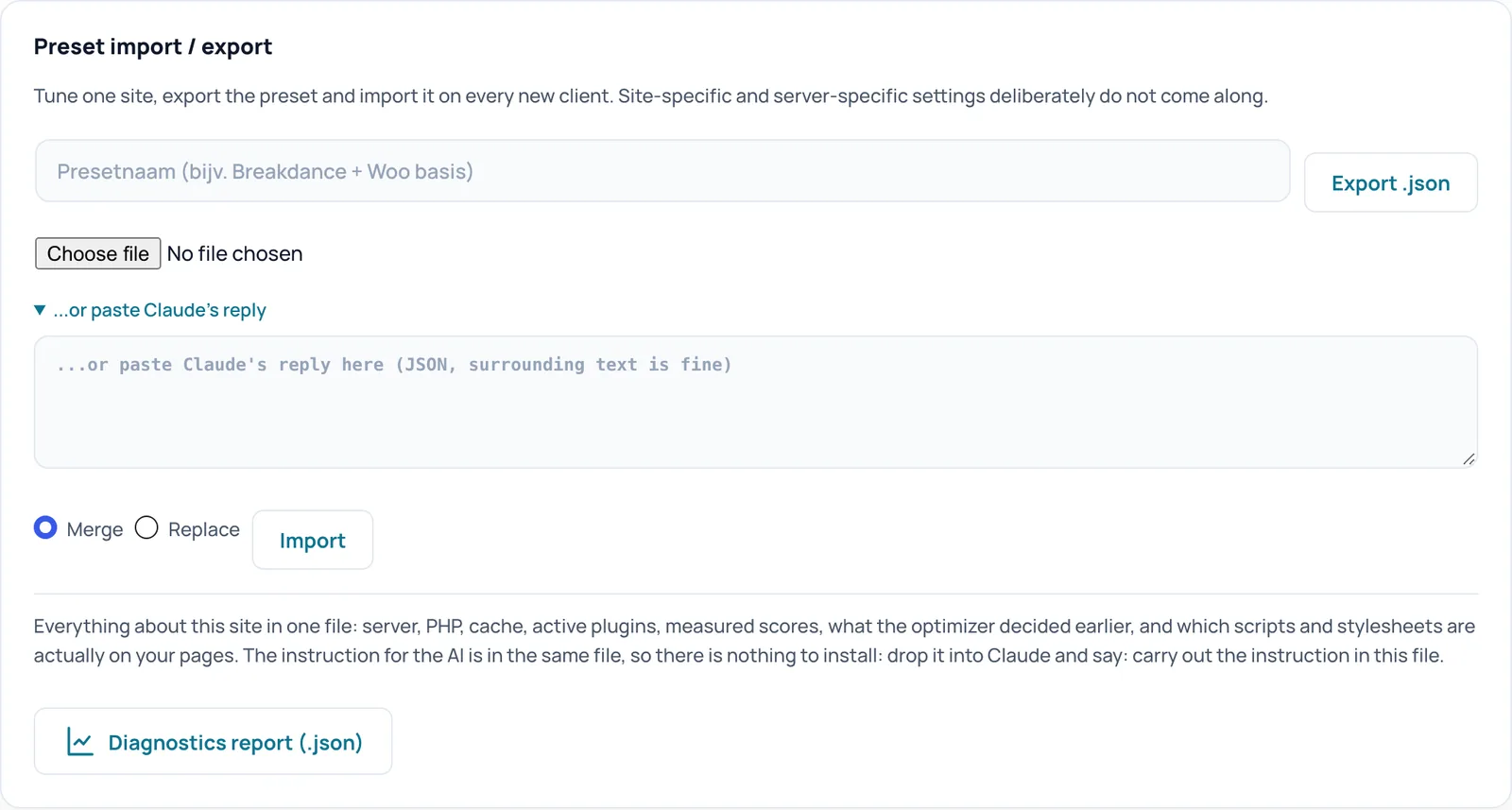
- Save your settings first with Export .json
- Keep the admin screen open until the round is finished; the browser check runs in it
- Anything that makes things worse stays off; on our test site one change was refused that way
- Then check menu, forms and cart on your phone yourself
Before you start
Your licence is active and the page cache is running (see Install and activate). Save your current settings so you can always go back: go to Settings, Preset import / export and click Export .json. On a busy shop, preferably work at a quiet moment or on a test copy.
Step 1: Optimize my site
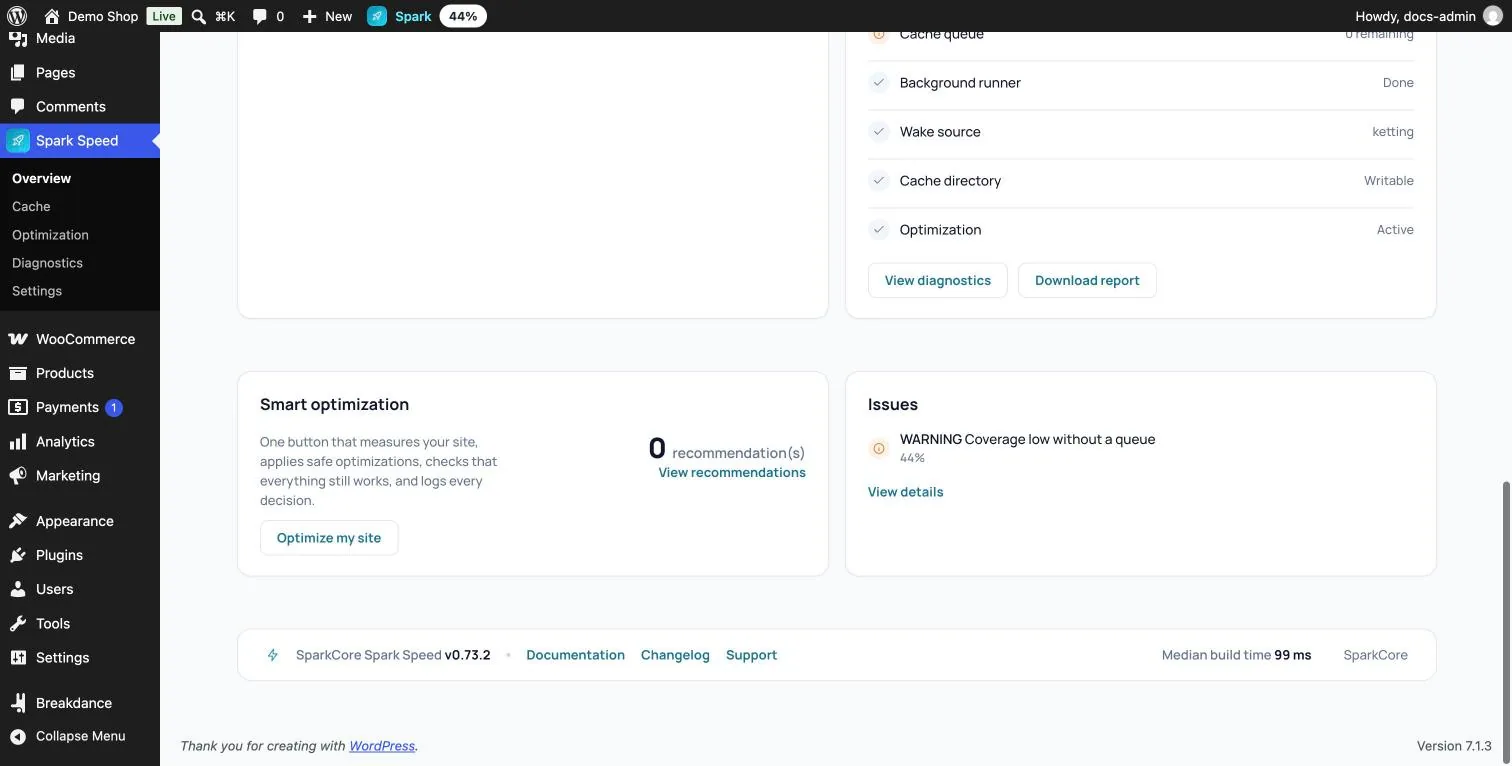
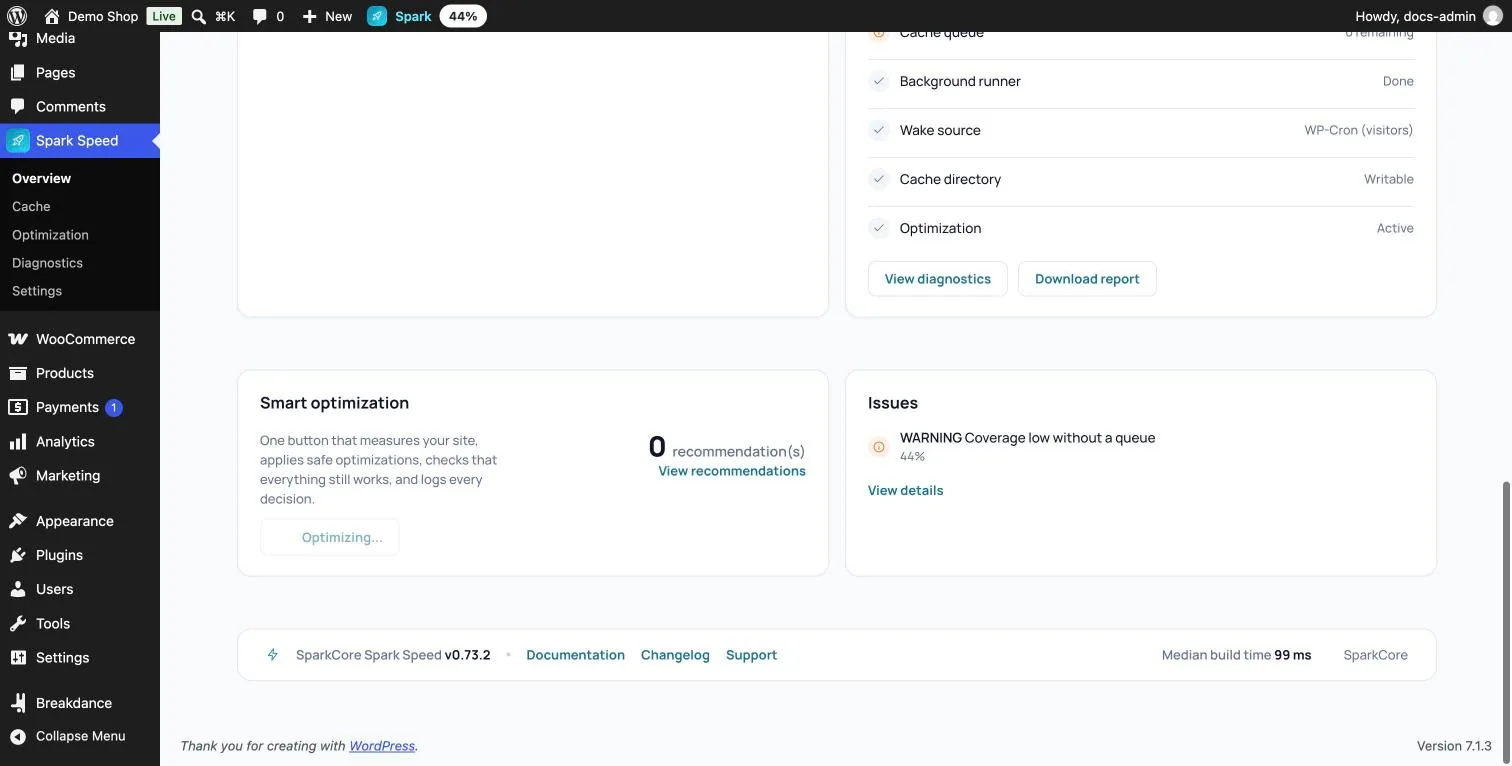
Go to Spark Speed, Overview and scroll to the Smart optimization card. Click Optimize my site. The page reloads and the button reads Optimizing... In version 0.73.2 there is no progress bar; the button itself shows that the round is running.
Step 2: keep the screen open
The browser check runs invisibly in the open admin screen. So keep the Overview open (not another Spark Speed tab) until the button reads Optimize my site again. On our test site the first round took about twenty minutes; on yours it depends on your site and hosting.
- First Spark Speed measures your site and makes a plan.
- Then it applies the safe improvements straight away. On the test site these included deferring scripts with a proven exclusion list, the object cache, removing unneeded WordPress parts and excluding cart, checkout and account.
- Every risky change goes through the browser check separately: on the test site there were twelve, each taking about a minute and a half.
What the browser check tests
For each risky change Spark Speed loads a fixed set of real pages of your site, before and after the change, mobile and desktop. On the test site these were the home page, the shop, a product, my account, a post and a search page. It compares:
- new errors in the browser console
- elements that disappear, move or are styled differently, also below the fold
- how menu, accordion, slider, add-to-cart button, form, filters, popup, cookie consent and tracking work, where they are on the page
- Something that already did not work before the change is not held against it. If things get worse, the change stays off.
Step 3: the result
When the round is finished, the Overview shows Optimize my site again, and for a healthy site the message Everything is working well! On our test site eleven risky changes were approved and applied, and one was refused: delaying inline scripts caused new console errors on the home page and the shop, so it stayed off.
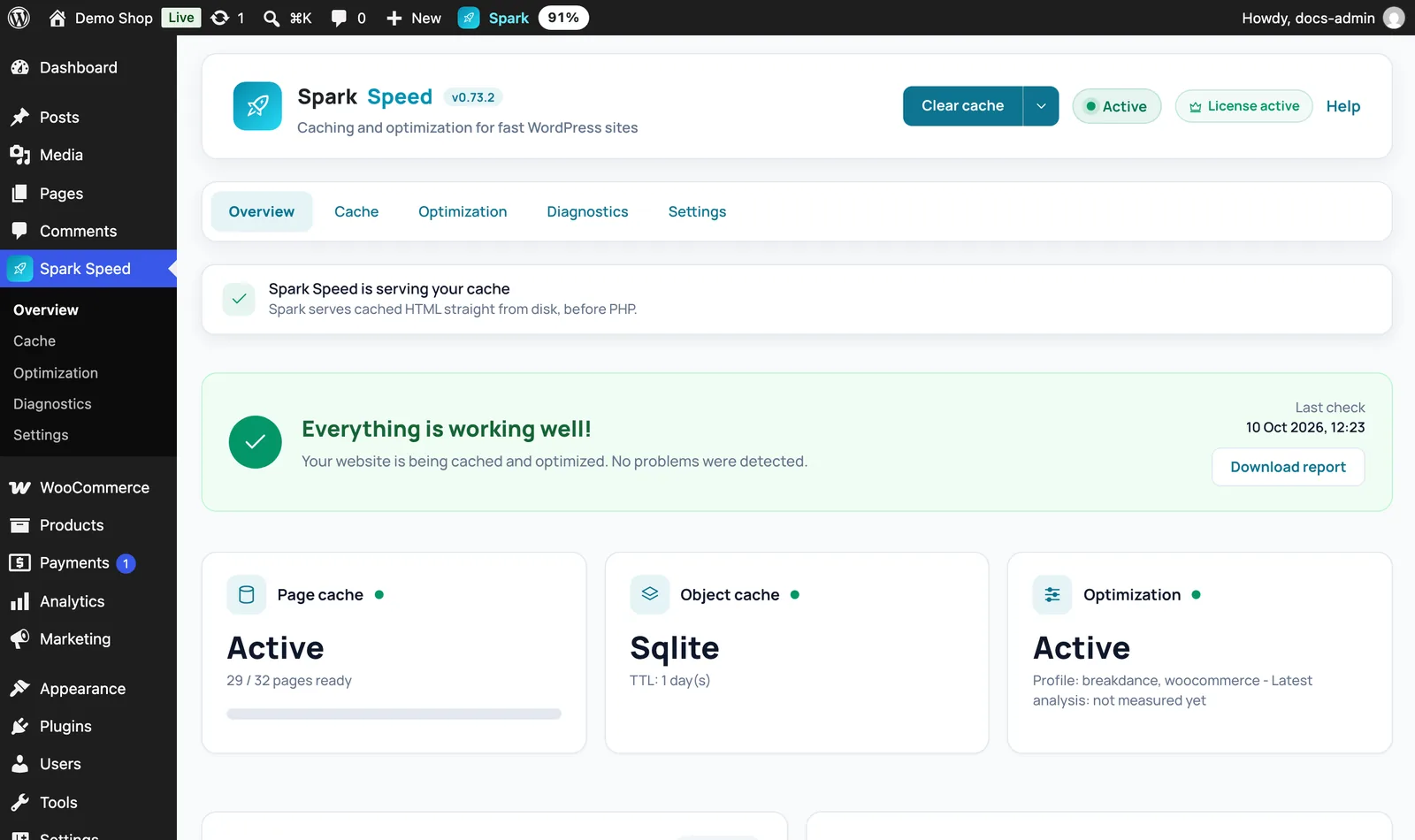
Expected result: the button reads Optimize my site again and Issues reports no problems. The Optimization tab shows which options are on now.
Want to read back what was decided and why? On the Overview click Download report. That diagnostics report includes what the optimizer decided earlier, with the reason for each change. In version 0.73.2 that list is not shown as an overview on screen.
Step 4: check it yourself
The browser check catches a lot, but not everything. Open your site in a private window on your phone and go through the most important things:
- open and close the menu, including submenus
- the cookie banner: accept and reject
- fill in a form (sending is not needed if you prefer not to)
- for a shop: add a product to the cart, the cart itself and checkout up to the payment step
Something is wrong: how to undo it
A button that reverts a whole round in one go is not on screen in version 0.73.2. You have these routes, from small to large:

Unsure about a step? Revert, check your site and ask us through the contact page.
No Spark Speed yet? See what it does and what it costs.
Frequently asked questions
Yes. The browser check runs in the open admin screen; without an open screen it cannot run.
Yes, with the same button. Spark Speed then looks again at what can still be gained.
No. The round improves load order and caching, but images, embeds and hosting count too.